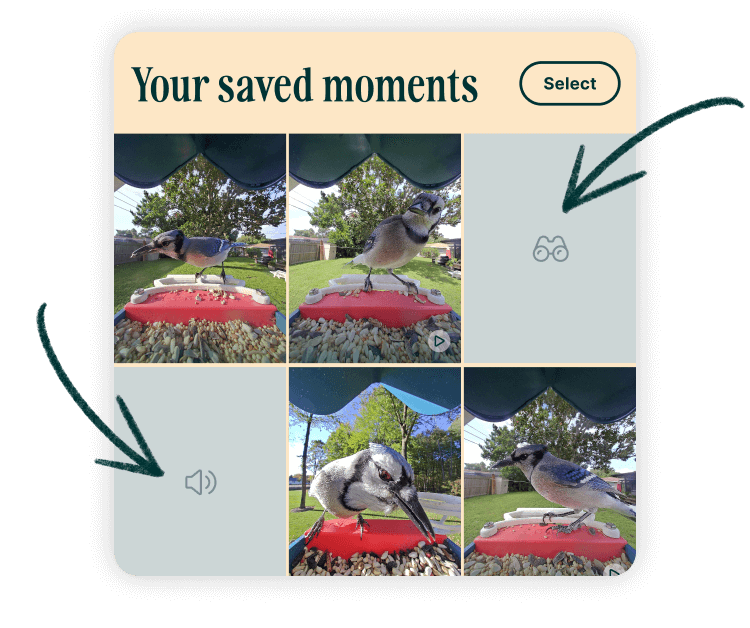
Already know the species or want to log a sighting manually? You can add birds directly to your Collection.
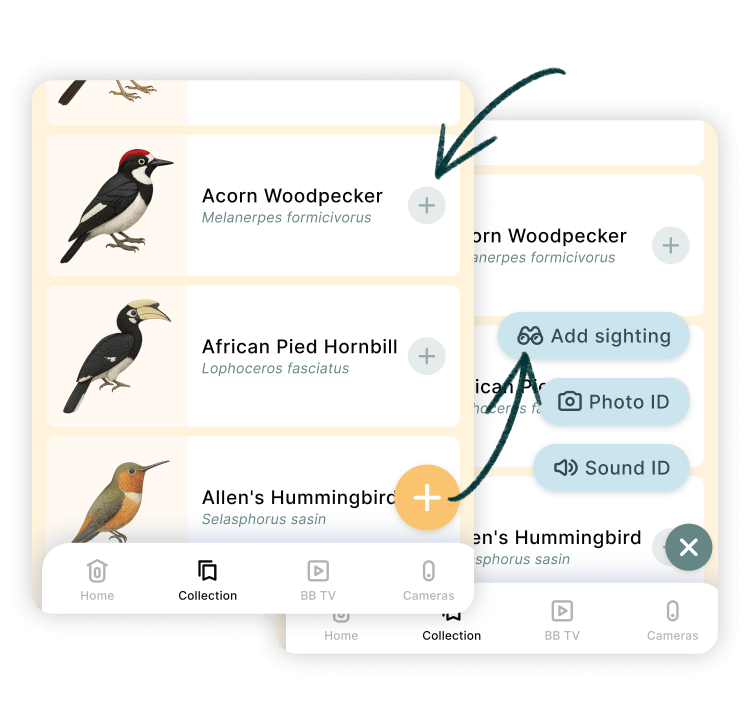
- Tap the ➕ button at the bottom of your Collection and select the Add sighting option.
- Upload a photo (optional) of your sighting.Your location and date will be pre-filled if allowed.
-
Tap Save sighting to add it to your Collection
You cann also use the ➕ icon next to a bird in the Nearby or All Birds section of your Collection list to log a sighting. Select the species you spotted and tap the “Mark as spotted” button at the bottom of a bird’s profile.
Where do these sightings go?
All sightings added will be saved to your Collection, just like postcards. Each will be tagged as Manually added, and if no image is attached (like with Sound ID), a simple placeholder image will appear in your Collection gallery. To remove a sighting, just delete that entry.